
Last reviewed: August 3, 2026
Once you are signed in, you can begin your license application and navigate key sections of the CLEaR system:
- Owner Submittals: Select this to complete an Owner Application. Each owner listed on the license application must complete an Owner Application. They will receive an email with instructions on how to complete the Owner Application.
- My Records: This page displays your application related records, including License Applications, Owner Submittals, and any licenses issued to you.
- License Search: Select this option to search for public records using available search fields.
Select a license type
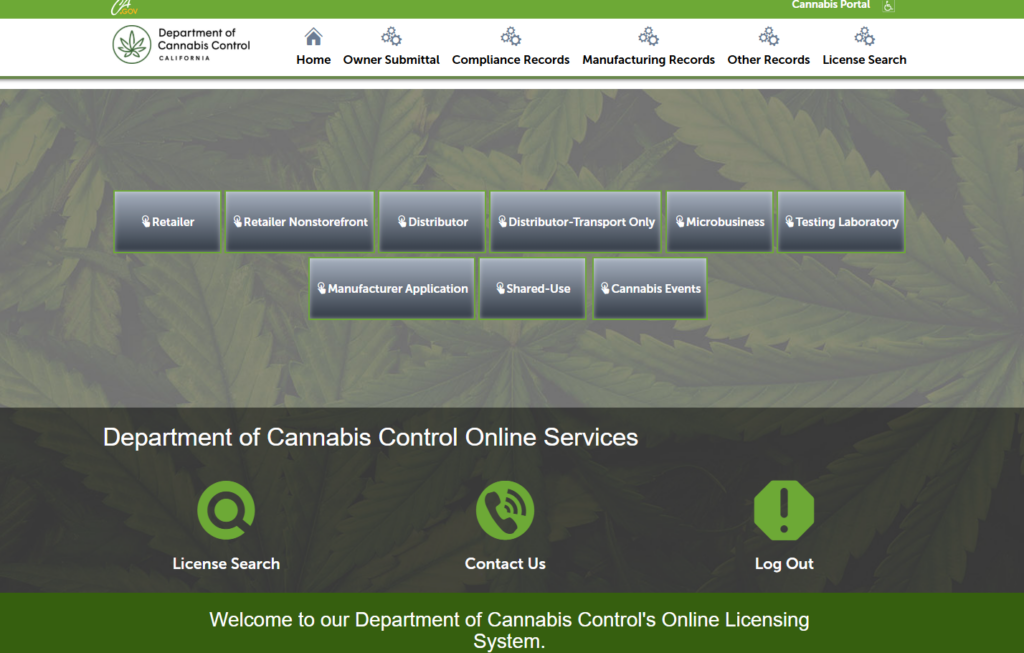
Select the license type you want to apply for to begin your application.
Owner submittal
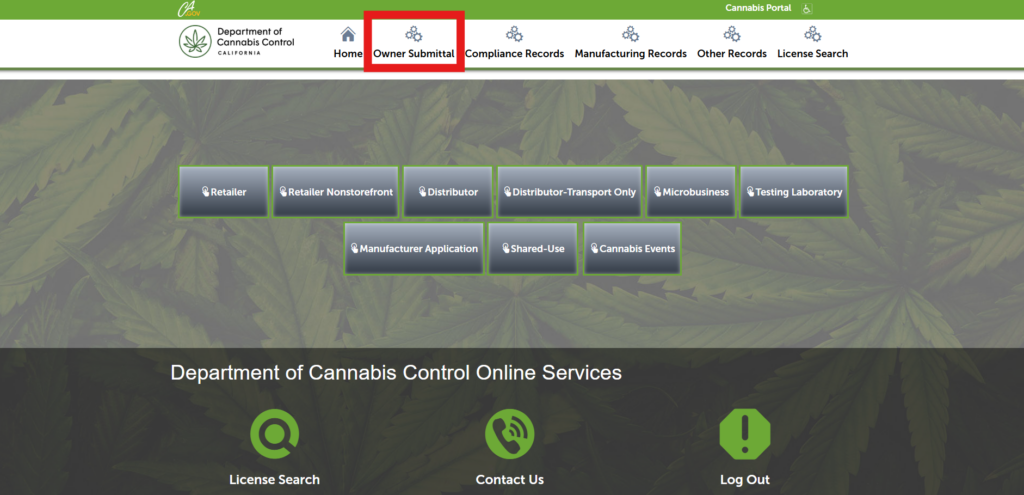
Select Owner Submittal to complete an Owner Application. Follow the instructions provided in the email sent to each listed owner.
My records
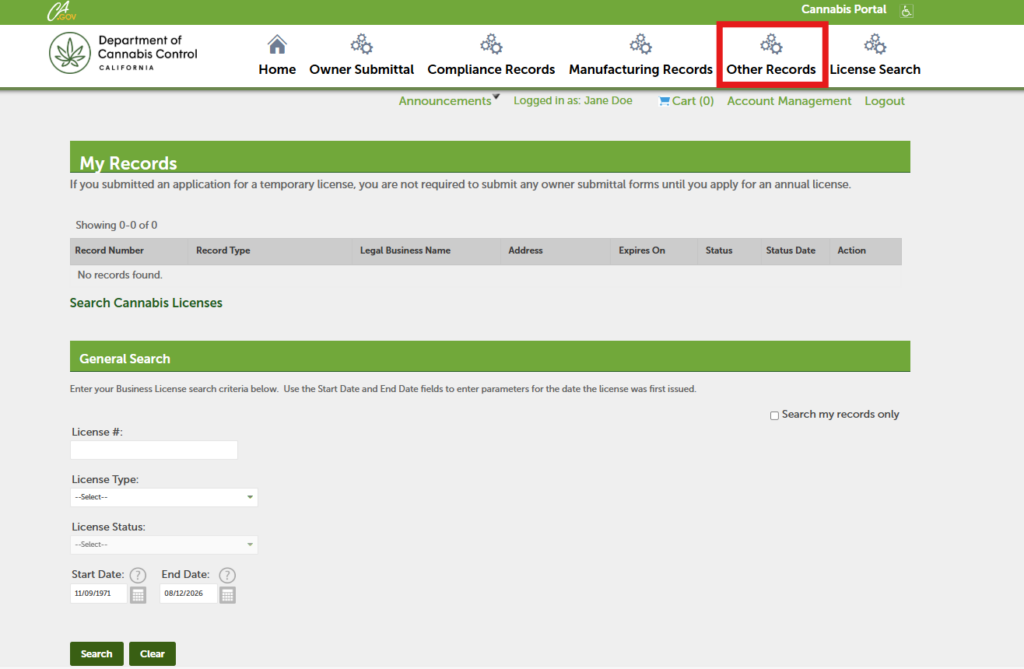
The My Records page displays your application related records, including License Applications, Owner Submittals, and issued licenses.
License search
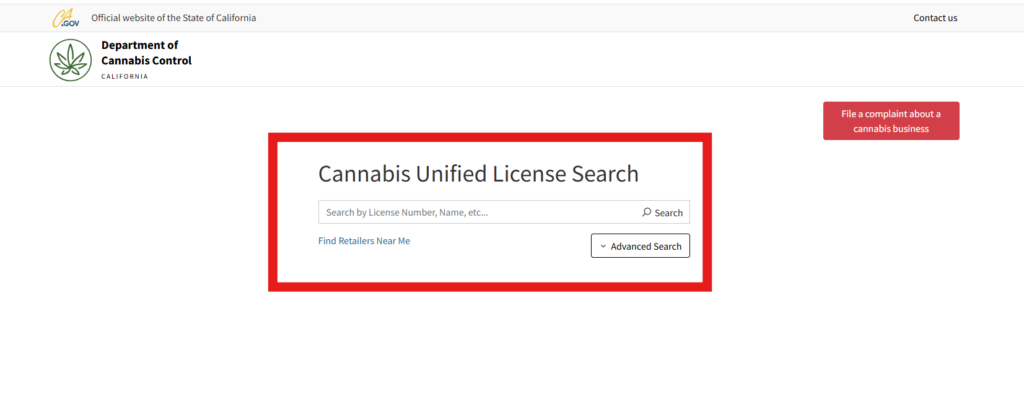
Select License Search to access public license records. You can query the system using available search fields.
Continue to next article
-
Applying for a license in the CLEaR system
To apply for a license in the CLEaR system, start by choosing a license type from the options on the Home Screen. The application will guide you thought submitting required information, completing declarations, and uploading documents. You will also provide details about owners, financial interest holders and required business contacts.